The Mojo Prospecting System makes lead follow-up a synch
Lead Follow-up is king. Over the years we’ve found one golden rule to be true: lead follow-up is king, especially real estate lead follow-up. When people start prospecting with Mojo,...

Follow-up is one of the most overlooked pillars of lead generation. Everyone has excuses why they don’t complete it. Our favorite excuse is the notion that leads either close on the first call or they are a waste of time. This is our favorite because we have seen agents ring the bell prospecting on the phone, setting appointments left and right. After all, two days earlier, another agent got the prospect primed but never followed up with them. Believing follow-up is a waste of time is something that costs people money and it is what keeps your competition busy with appointments that lead to appointments and sales. At Mojo, we understand how important lead follow-up is. When we designed the new Mojo Dialer, we wanted our customers to complete follow-up tasks as easily and effectively as possible, making it so simple there would be no excuse to ignore it.
Today’s activities overview is found on the Mojo home page and displays all activities due and completed for today. We display appointments, to-do’s, follow-up calls, and callbacks not yet been completed. As you complete your follow-up tasks, we indicate you have completed them. This is a great snapshot of your follow-up progress.

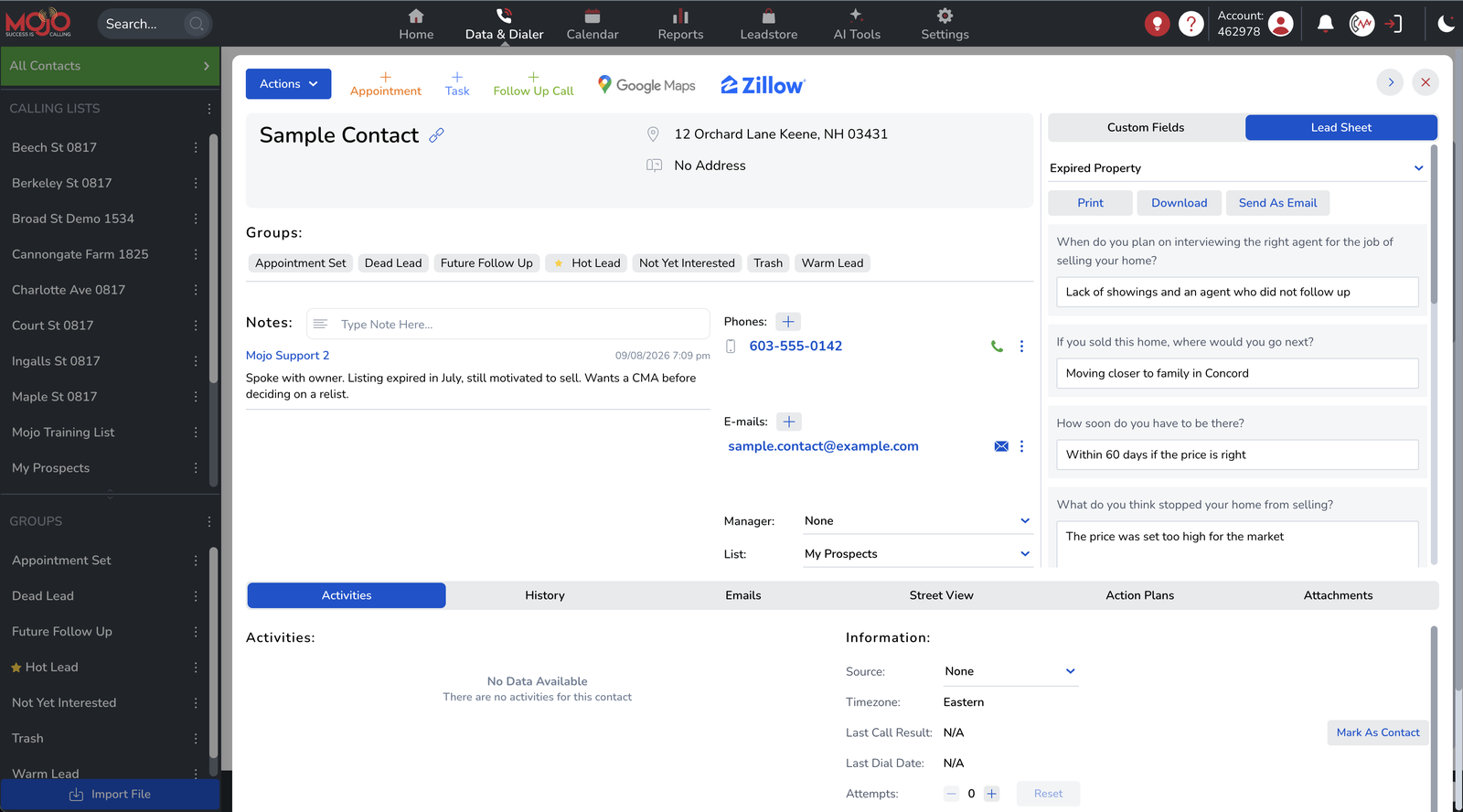
The phone calls action button prompts the user to create either a follow-up call or a callback.
1. Scheduled follow-up calls are placed on the user’s calendar on the day the call is due. Alerts do not pop for these calls as they are not time-based. Users simply click on the follow-up calls link in Today’s Activities Overview and Mojo will present them with a list of follow-up calls due.
2. When a callback is set, the Mojo dialing system will automatically pause the user’s power dialing system and feed in the callback. Once the call back is completed, the user will automatically resume their power dialing session. If the call back is set when NOT logged in to the Mojo dialer, the user will receive a system alert when the call is due.

The appointments action button prompts the set appointment pop-up where the user selects the date, time, and duration of the appointment while also giving the appointment a title and description. When the appointment is set, the appointment is added to the user’s Mojo calendar and a system alert will notify the user of the appointment when it is due. Additionally, the Mojo on the Go! iPad application will also alert the user of their appointment.

The To Do’s action button initiates the Mojo task creation pop-up where the user can create a new task, give it a description, assign it to any user on the Mojo dialing system, and set the date for the task to be completed. These tasks show in the Activities Due Today console and show in the activities area of the contact associated with them, when due and completed.
That wraps up this post on the importance of lead follow-up and how Mojo makes it easy. If you’re in the market for a dialer, make sure you have all the tools necessary to ensure your success on the phone; make sure you subscribe to the Mojo Dialer!
Hey, since you are here, we’d like you to know that in 2024, the Mojo Dialer is way cooler than when this post was written:) Come check it out at www.mojosells.com.